
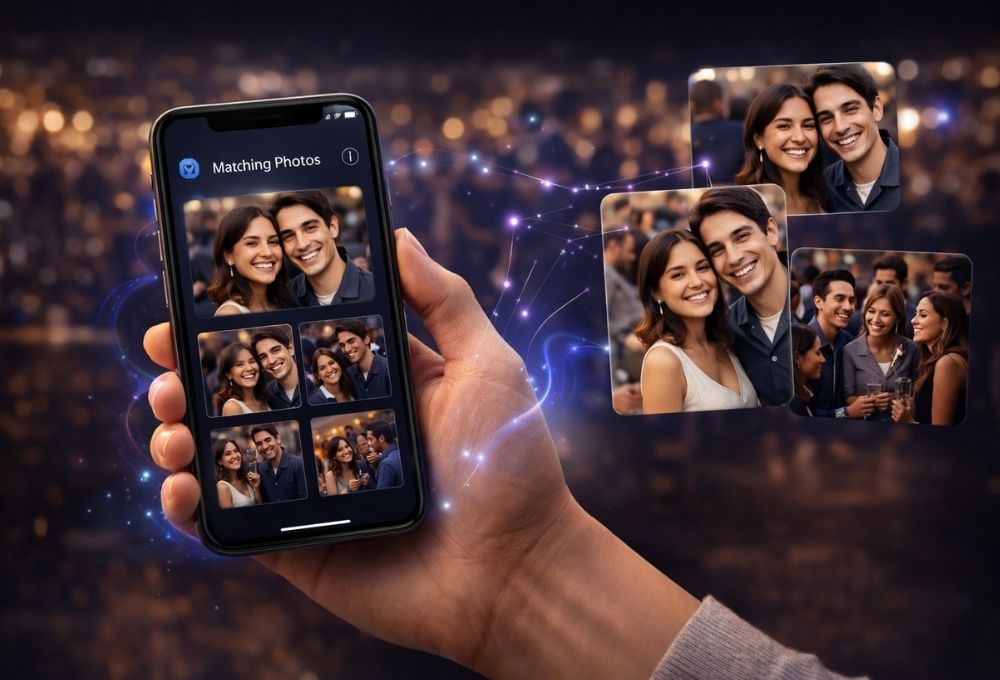
Everything VeusZ does, from invite to album.
VeusZ is an AI photo delivery and event management platform for weddings, races and corporate events. Guests find their photos with one selfie, and studios and planners run the whole event — guests, travel, seating, vendors, crew, delivery and invoicing — from one account.
How a guest gets their photos
- 1
Studio uploads
Photos go up after the event, or live during it with VeusZ Sync.
- 2
Guest opens the link
From the QR poster at the venue, the invite or a WhatsApp message.
- 3
Guest takes a selfie
In the browser. No app and no account needed.
- 4
Photos arrive
Every matching photo appears in their gallery and on WhatsApp.
Finding photos
Selfie photo search
Guests take one selfie in the browser and see every photo they appear in. Face matching uses the ArcFace model and checks every face in every photo, including small faces in group shots. No app to install.
WhatsApp delivery
Matched photos are sent to the guest's WhatsApp. Guests who opt in get new photos automatically as the photographer uploads them.
Video face search
Upload event videos and VeusZ finds the moments each guest appears in, so they can jump straight to their part of a long film.
Bib number search for races
Runners type their bib number to find their race photos. Bib numbers are read automatically from the photos with OCR, and runners can also search by face when the bib is hidden.
Guest privacy controls
By default a guest sees only the photos they appear in. Events can be protected with a PIN, and the selfie used for searching is not stored.
Guests and invitations
Digital invites and RSVP
Send a digital invitation with the function schedule. Guests RSVP in one tap and receive a personal QR entry pass.
QR check-in
Scan guest passes at the gate from any phone to mark arrivals, with a live count of who has checked in.
Function-wise schedule
Split multi-day events into functions such as mehndi, sangeet, wedding and reception. Photos and guests are organised by function.
Guest list import and groups
Paste a guest list from Excel or Google Sheets. Group guests by family and side, mark VIPs, record meal preferences, and export everything as CSV.
WhatsApp broadcasts
Send reminders, venue changes and pickup details to all guests or a group. Each message is personalised with the guest's name, pass, table, room and driver.
Live headcount
Arrivals per function update as passes are scanned, with meal counts for the caterer and arrivals by family group.
Event microsite
The invitation page doubles as the event's website, with the schedule, hotels, contacts, maps and answers to common questions.
Planning and the day itself
Host dashboard
The family or organiser gets a private dashboard with every photo, the RSVP list and the album selection, without a studio login.
Rooms and travel
Allocate hotel rooms, track flight and train arrivals on a day-by-day board, and assign pickup drivers. Guests see their room and driver on their pass.
Seating planner
Add tables for each function and seat guests with two taps. Seats are counted by the people in each RSVP, and each guest sees their table on their pass.
Tasks and run-of-show
A planning checklist with owners and deadlines, and a minute-by-minute run-of-show for each function that the crew ticks off live.
Vendors and budget
Track every vendor's cost, advances and dues, the client's payments, other costs and the margin on the event.
Client approvals
Send decor moodboards, menus and quotes with images and PDFs. The family approves or asks for changes from their own dashboard.
Crew app
Every coordinator gets a private link with their duties, shift attendance, the run-of-show, their tasks and guest check-in. No login needed.
For the guests
Live photo wall
Show new photos on a projector or LED screen at the venue as they are uploaded.
Shagun by UPI
Guests send shagun with a blessing straight to the couple's UPI ID from any UPI app. The couple sees every gift in their dashboard.
Digital guestbook
Guests leave written wishes, voice notes, photos and short videos for the couple, with optional approval before they appear.
Live polls and announcements
A live page for announcements, polls with instant results and song requests for the DJ.
Post-event feedback
Guests rate the event and each part of it, such as food, decor and music. The request can go out automatically on WhatsApp.
For the studio
Live upload during the event
VeusZ Sync watches the camera or tethering folder on the photographer's laptop and uploads new photos within seconds, so guests see photos while the event is still on.
AI best picks
Each photo gets a quality score for sharpness, exposure, open eyes and face angle. Near-duplicate frames are grouped, and the best shot of each person is shown first.
Album selection
Couples and hosts mark their favourite photos for the album from their phone, and the studio sees the final selection in one list.
Print orders
Guests order prints from their gallery and pay the studio directly by UPI. The studio confirms the payment and downloads the files for printing.
Studio branding and custom domain
Every gallery carries the studio's logo, colours and watermark. Studios can run VeusZ on their own domain, such as photos.yourstudio.com.
Team accounts
Add managers and photographers with their own logins and permissions. Owners keep control of billing and settings.
Google Drive and Lightroom import
Import a whole event from a Google Drive folder link or a Lightroom export instead of uploading files one by one.
Leads, quotes and GST invoices
An enquiry pipeline with follow-ups, quotes the client accepts online, and GST invoices with CGST, SGST or IGST worked out from the client's state.
Give every guest their photos tonight.
Set up your first event in five minutes. The free trial includes WhatsApp delivery and live upload.